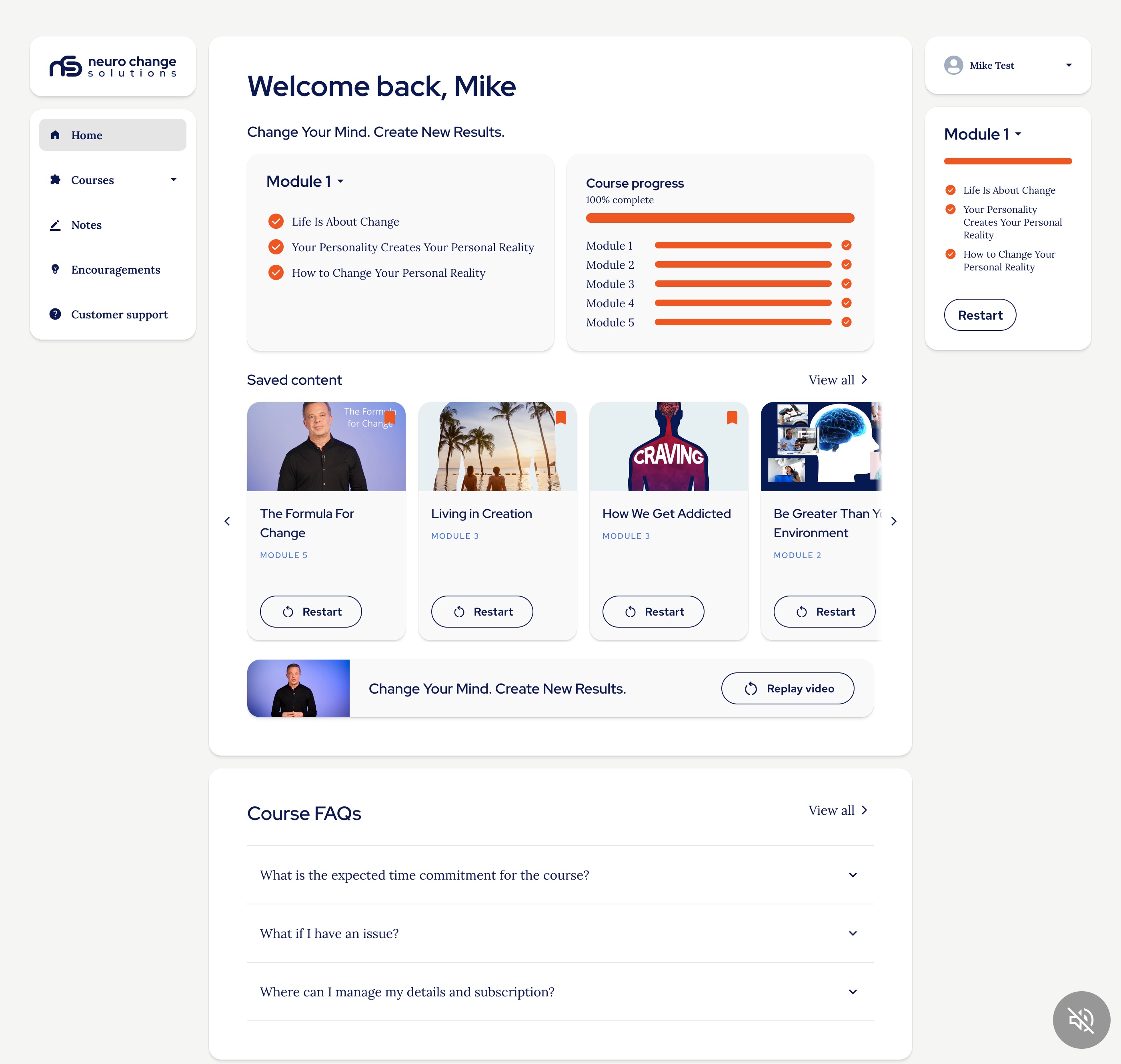
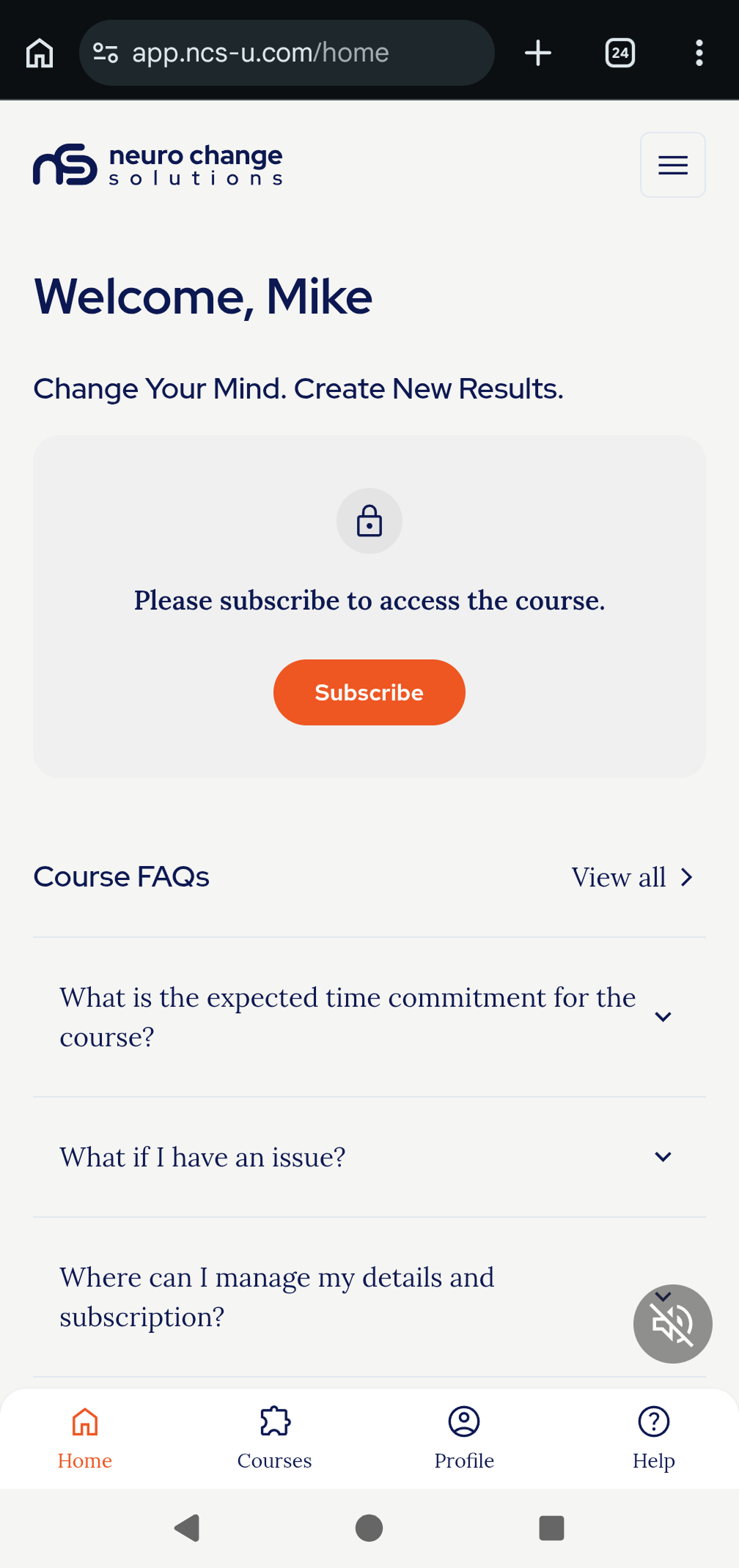
When you first login there is music playing in the background of the homepage, if you wish to turn this on or off you can use the sound icon in the bottom right of the screen:

You can see this in the Desktop and Mobile screenshots below:
Desktop:
Mobile:
See the Knowledge Base for other articles on how the interface works: The user interface and functions.
Thank you.
The NCSU Team.
Was this article helpful?
That’s Great!
Thank you for your feedback
Sorry! We couldn't be helpful
Thank you for your feedback
Feedback sent
We appreciate your effort and will try to fix the article