Saved content is a feature that allows you to save specific sections of the course to review later. It may be that one particular activity, video or animation resonated with you and you want to mark that to review it again later, it's like a bookmark.
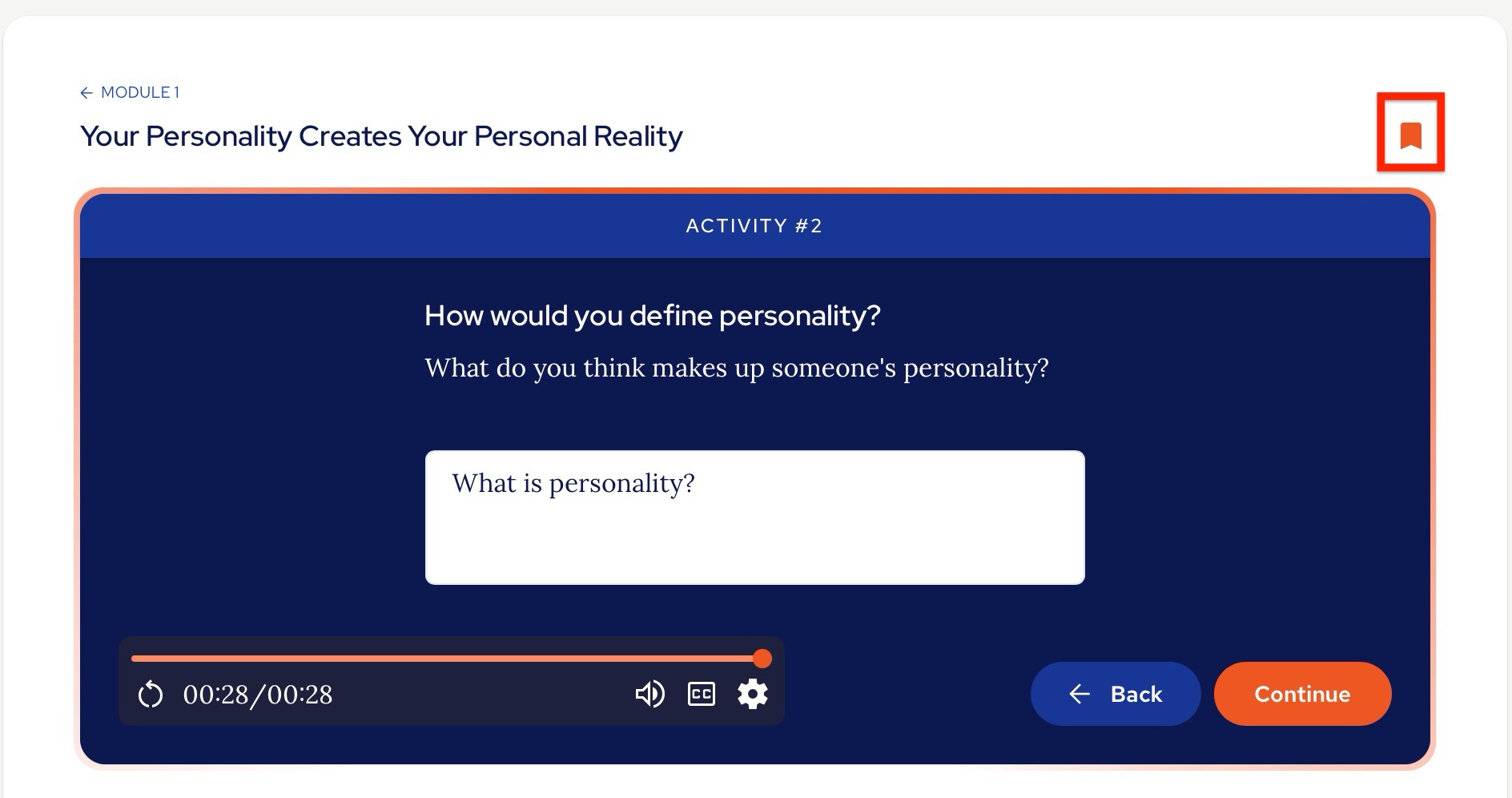
You save content by clicking the small flag icon in the top right of the interface:
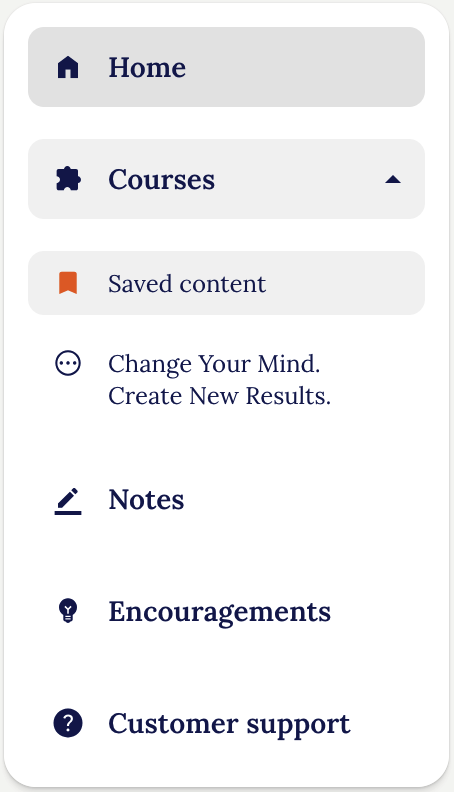
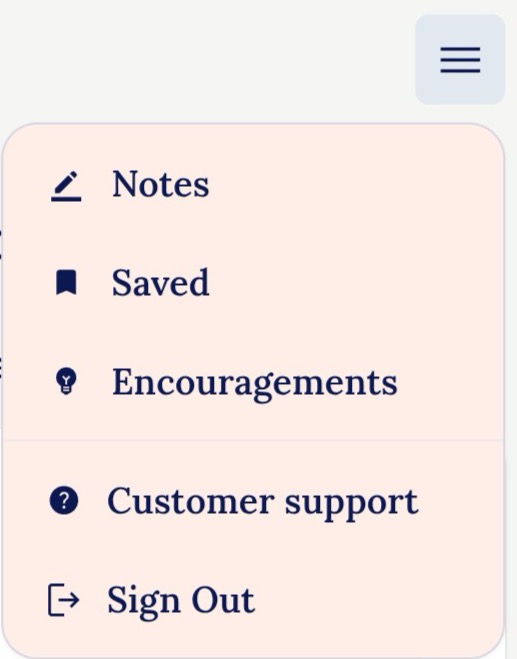
Once that has been selected, you can then access your list of saved content from the menu:
Desktop:
Mobile:
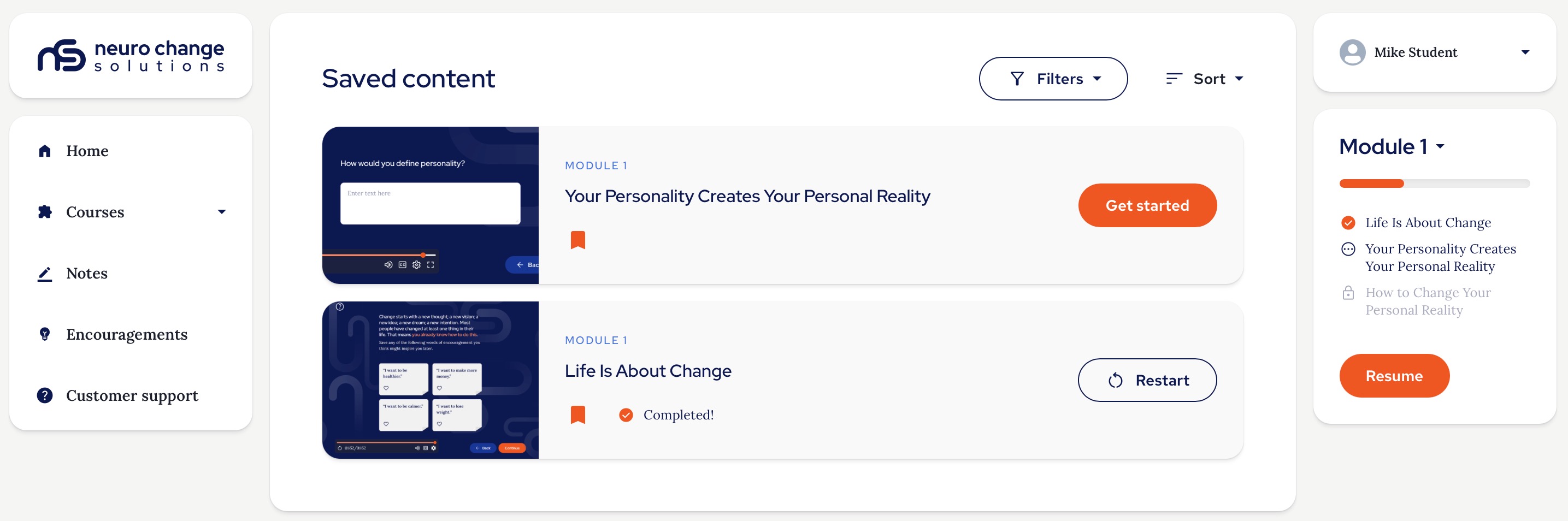
Saved Content page:
On the Saved Content page you will see a list of all the content you have saved and be able to click back into that section directly.
You an also use the menus here to filter by the modules the content was saved from and sort by when you saved the content or alphabetically:
Thank you.
The NCSU Team.
Was this article helpful?
That’s Great!
Thank you for your feedback
Sorry! We couldn't be helpful
Thank you for your feedback
Feedback sent
We appreciate your effort and will try to fix the article