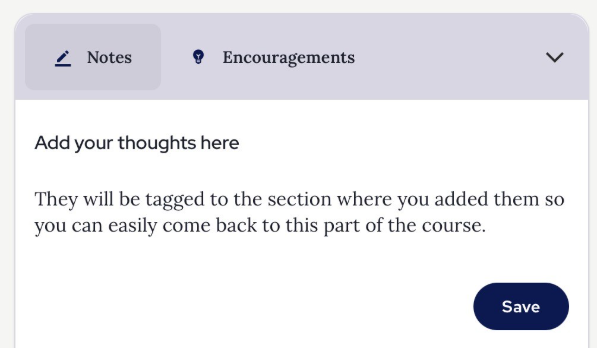
We encourage you to make notes throughout the course. This will aid your learning and allow you to revisit your reflections throughout and at the end of the course. You may make notes by using the ‘Notes’ panel at the bottom of the screen when content is playing:
Your notes will be saved in a Notes page, accessed from the navigation side-bar, go here to access the notes you have made throughout the course:
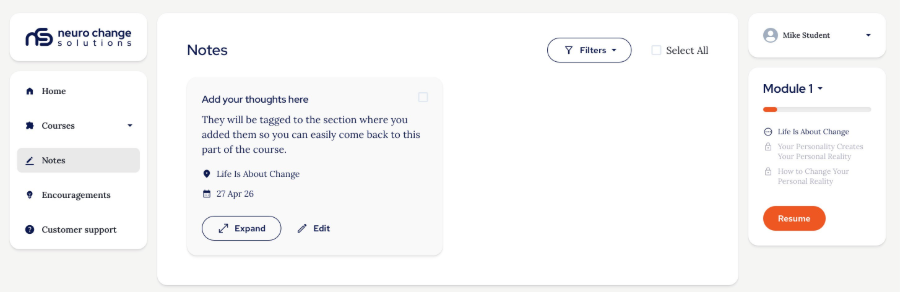
You may filter your notes here by Module.
You can open each one to read the full note if they are longer than the initial tiles:
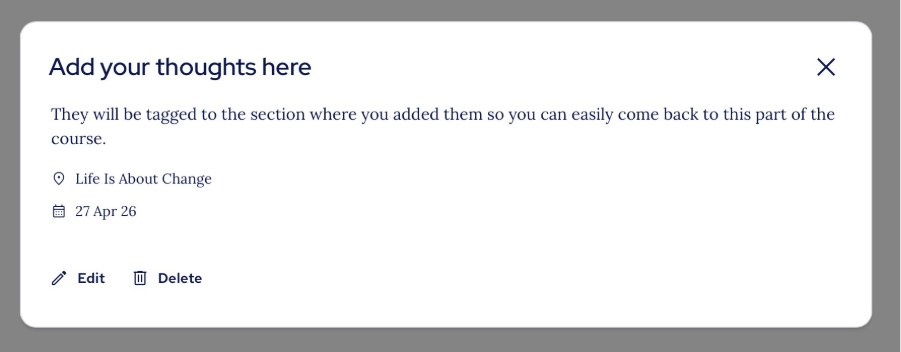
You can edit them:
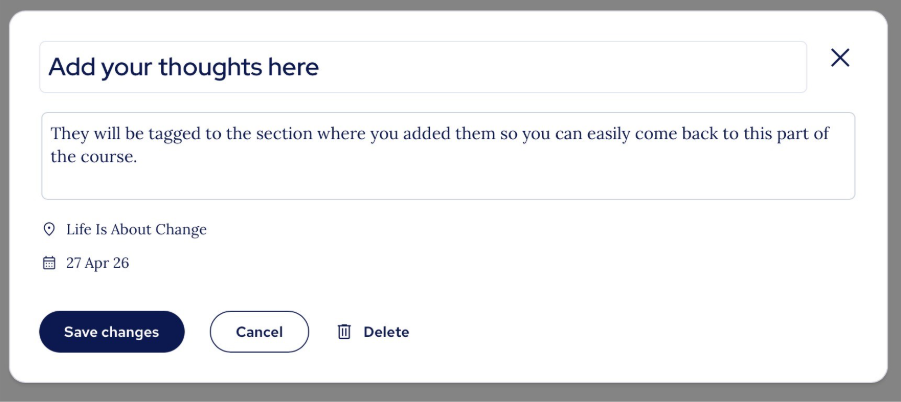
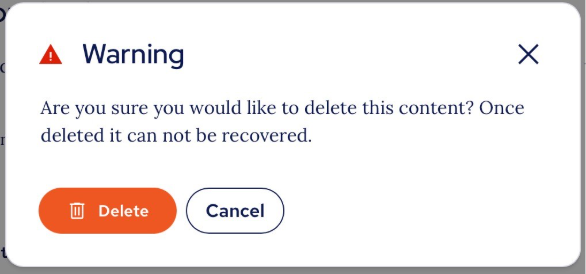
Or delete them if you want to permanently remove them from your list:
Thank you.
The NCSU Team.
Was this article helpful?
That’s Great!
Thank you for your feedback
Sorry! We couldn't be helpful
Thank you for your feedback
Feedback sent
We appreciate your effort and will try to fix the article