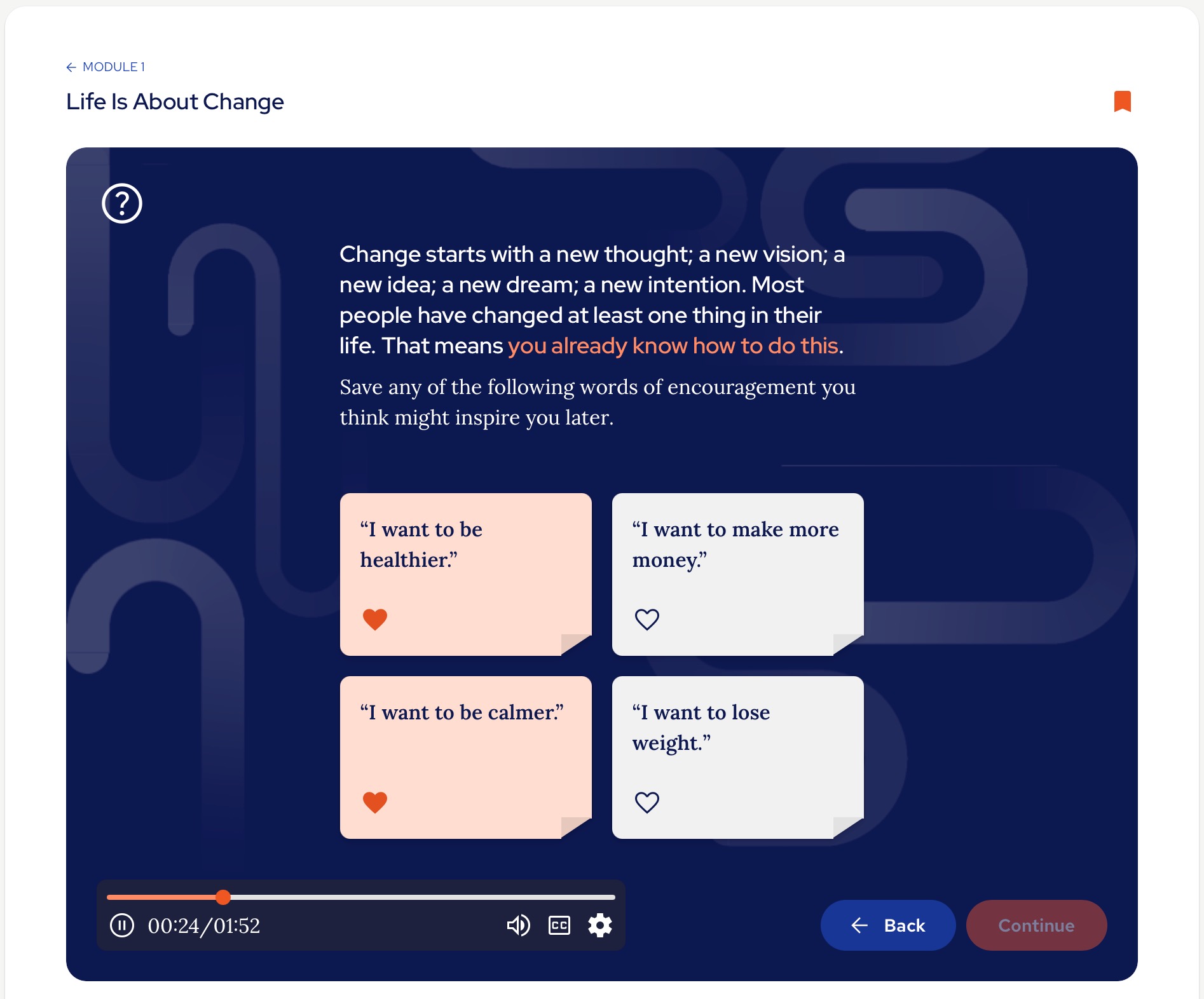
There are Encouragements provided within activities and tools throughout the course. The aim of these is to keep your motivations front of mind. You can save any particular Encouragements you wish to have to hand by clicking on the ‘Heart’ icon when they appear during the course:
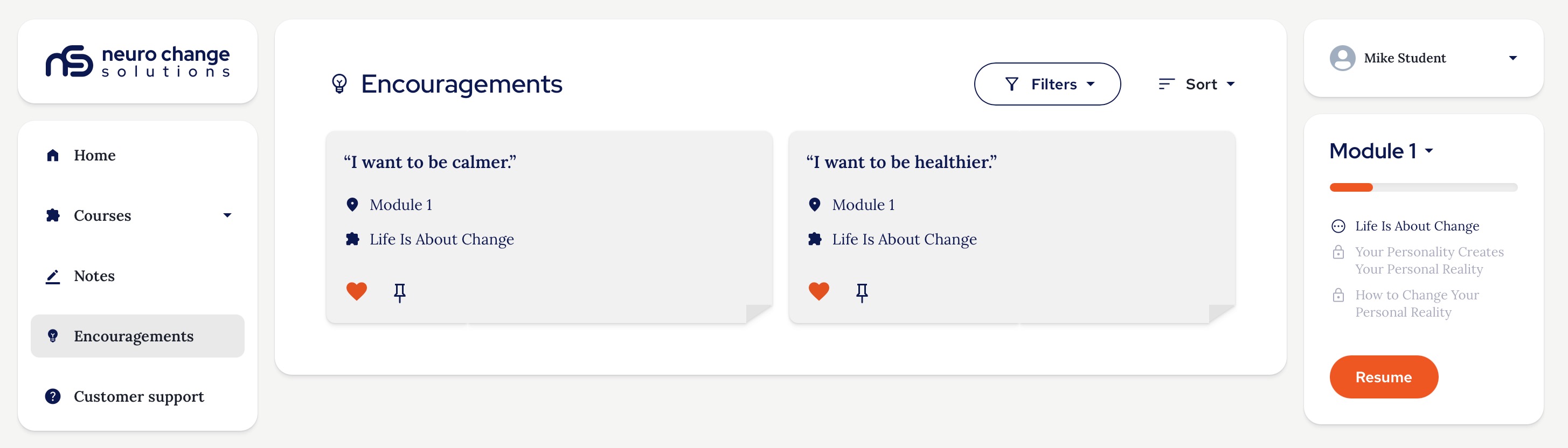
To access all the Encouragements you have created or saved throughout the course, you can use the navigation sidebar to go to the Encouragements page. You can also view them throughout the course by clicking the Encouragements tab at the bottom of your screen when content is playing:
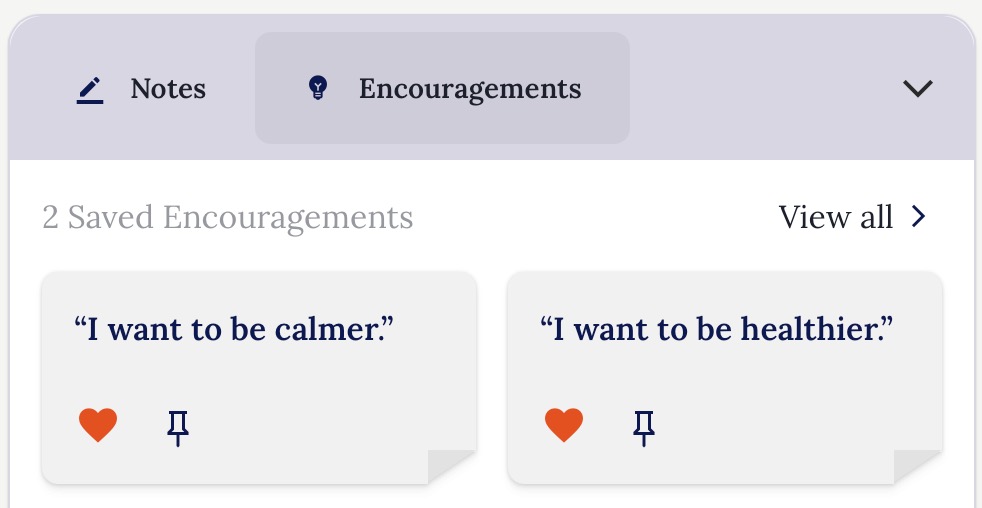
You can pin Encouragements during the course or from the Encouragements page to have your favourite encouragements appear at the top of your list.
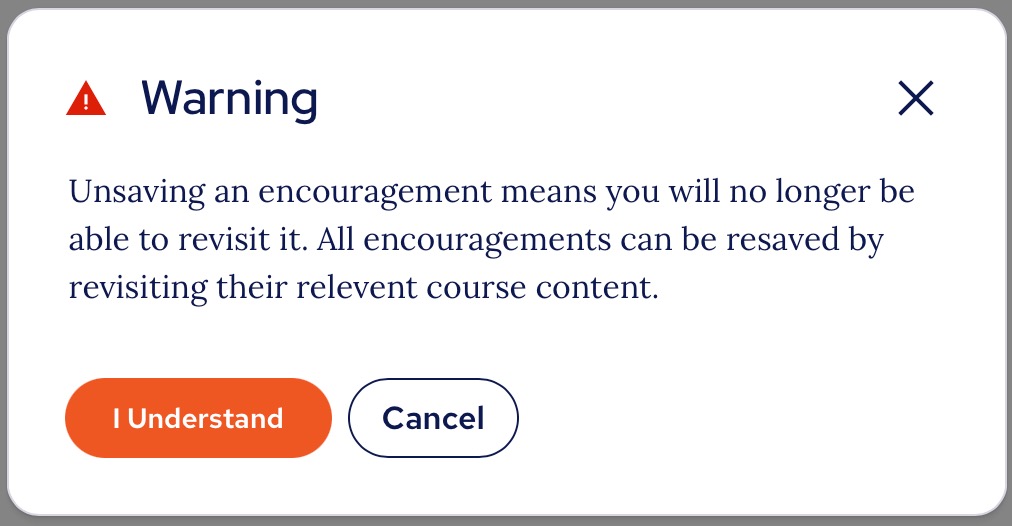
If you decide you no longer want an Encouragement saved, you can remove it by deselecting the heart icon and you will be asked to confirm that you do want to delete it:
Thank you.
The NCSU Team.
Was this article helpful?
That’s Great!
Thank you for your feedback
Sorry! We couldn't be helpful
Thank you for your feedback
Feedback sent
We appreciate your effort and will try to fix the article