To buy a license for one person, please follow the steps below:
Step 1.
Before you can purchase a license, you need to create an account.
Step 2.
If you have already created an account and logged in, but you don't yet have a subscription, you will see the message below in the homepage:
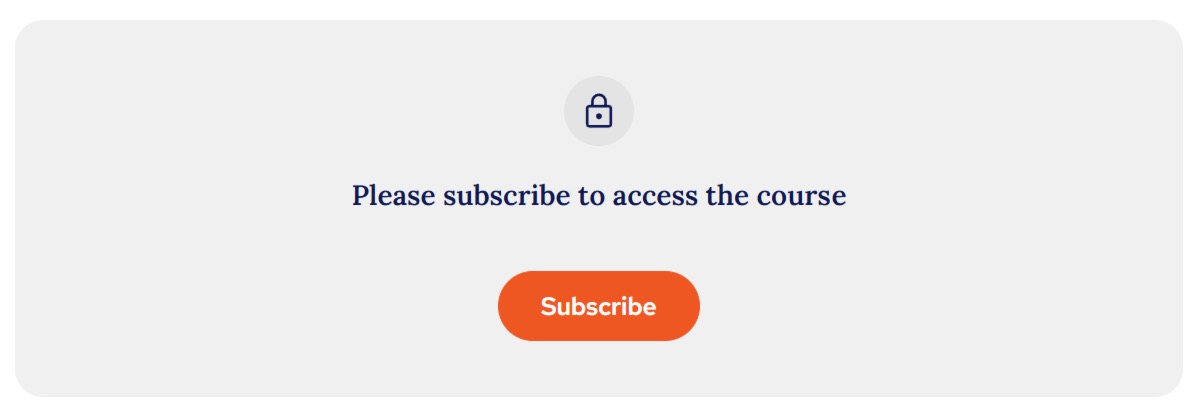
When you click 'Subscribe' you will be directed to the next step:
Step 3.
This is the screen you may be taken directly to as part of an account creation journey and is where you need to select that you just need one license and click 'Continue to payment':
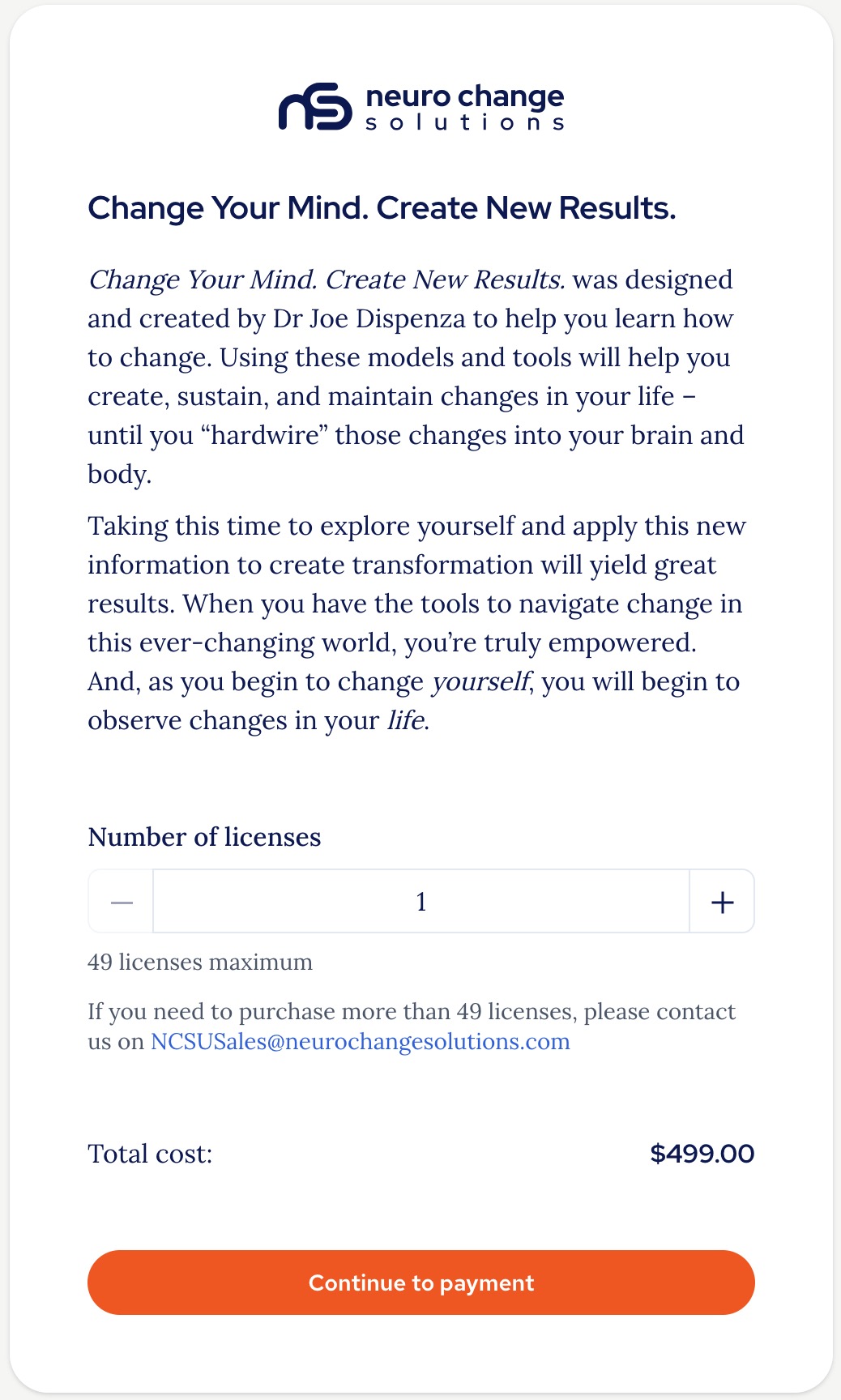
Step 4.
Complete your payment:
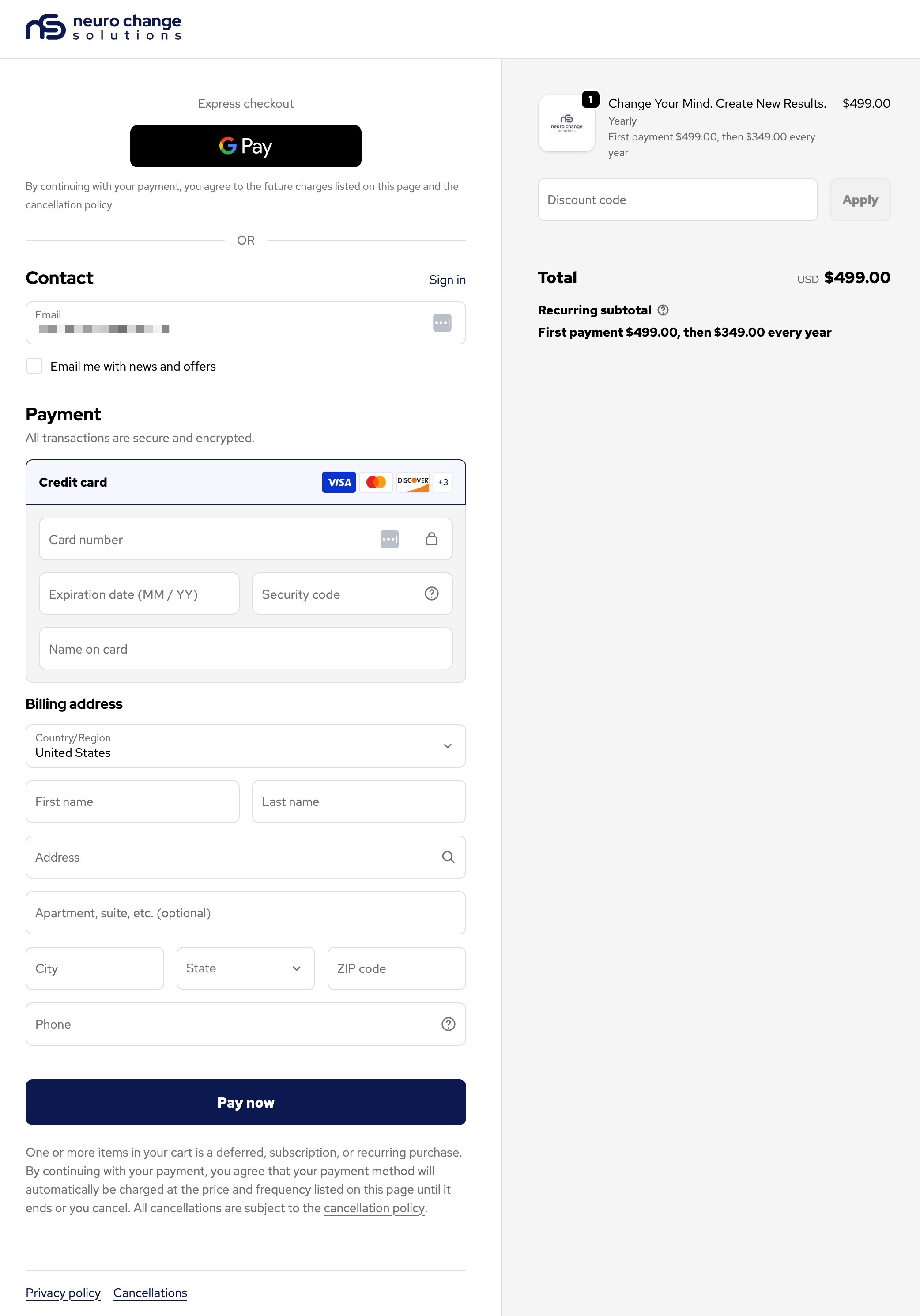
Once completed you will see a payment confirmation screen:
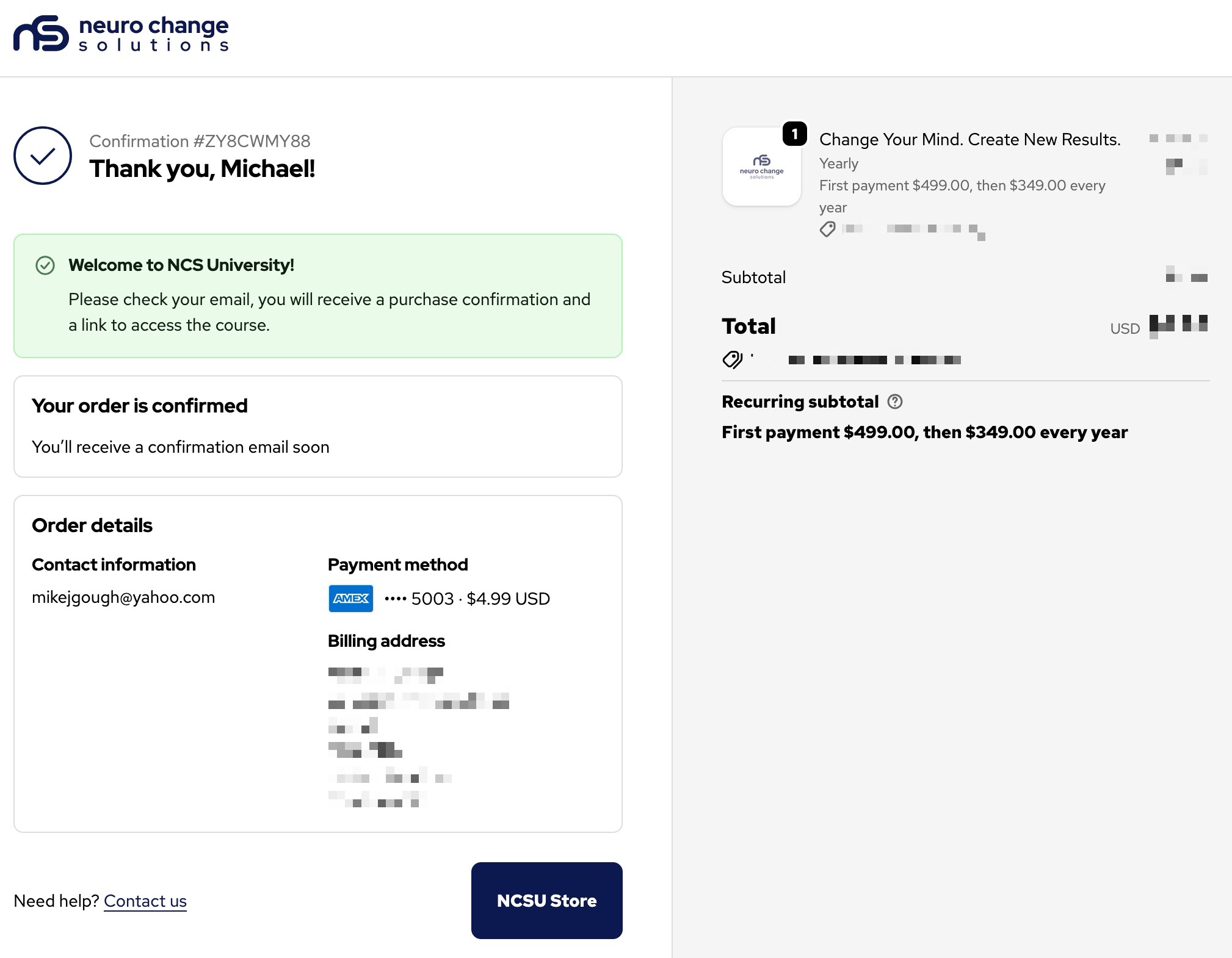
Step 5.
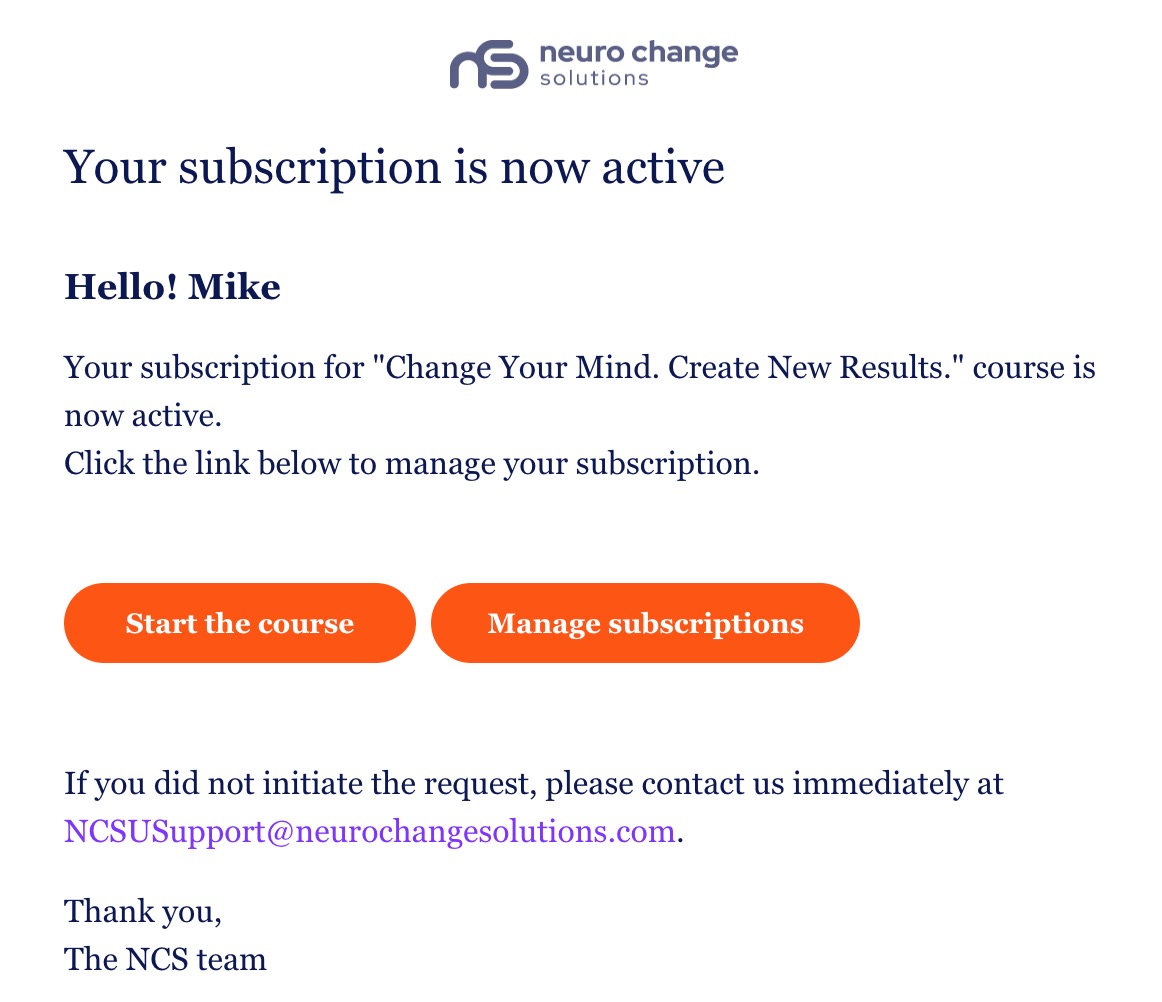
Go to the email you used to register your account and look for the email with the confirmation that your subscription is now active and a link for you to get started with the course:
Thank you.
The NCSU Team.
Was this article helpful?
That’s Great!
Thank you for your feedback
Sorry! We couldn't be helpful
Thank you for your feedback
Feedback sent
We appreciate your effort and will try to fix the article