You can manage your profile details and subscription information through the Profile menu:
Desktop: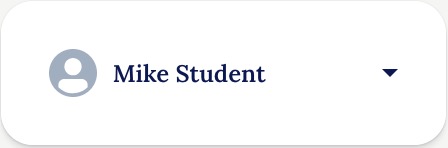
Mobile:

Account updates
You can update all of your Account and Profile details from the Account Menu:
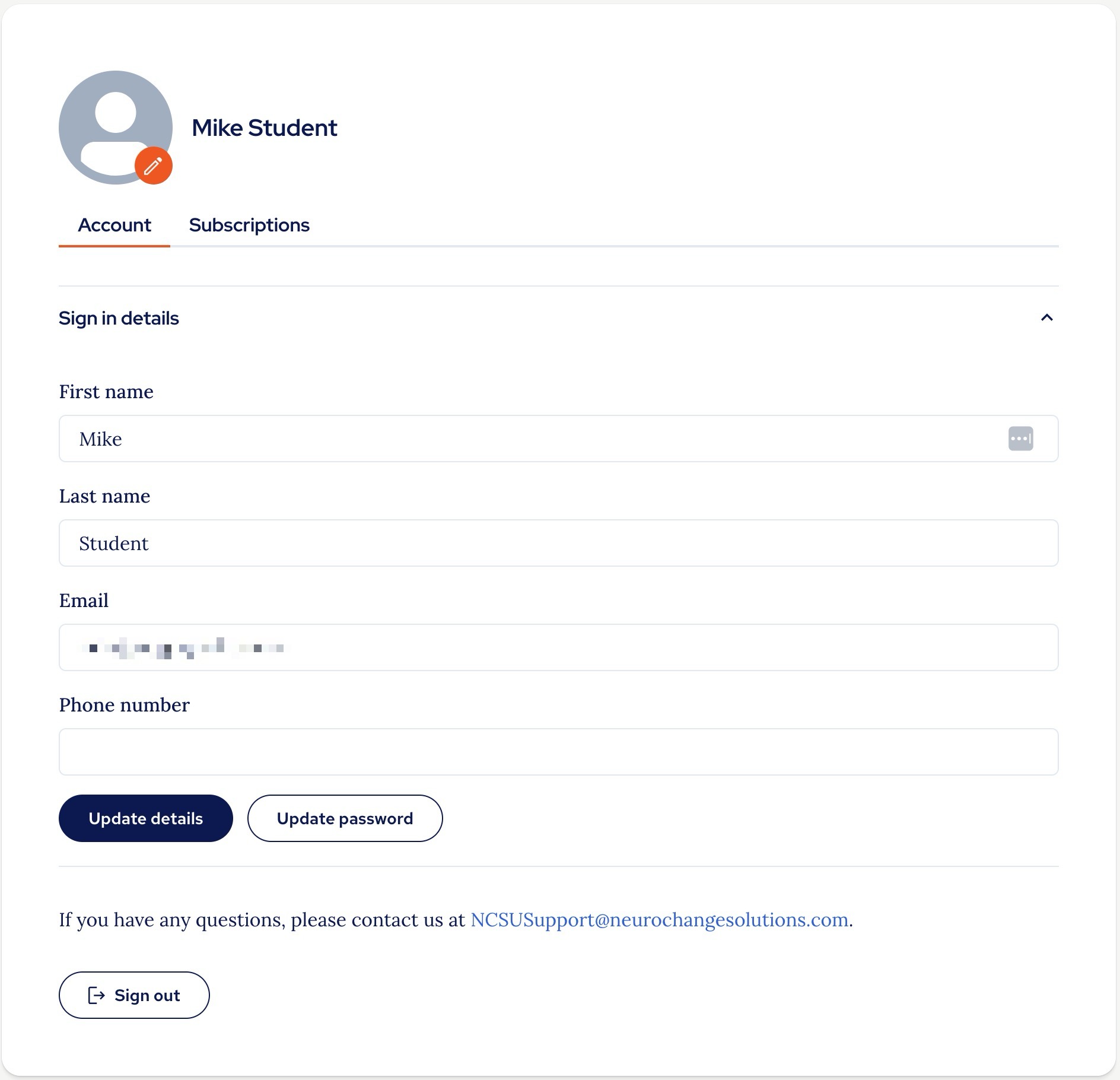
To update your details, simply make the changes you need and click 'Update details'
There is a specific guide on 'How to reset your password' from here, look at Option 2 in that guide.
Subscriptions
All subscription details and updates can be found in the Subscriptions area of the Profile menu:
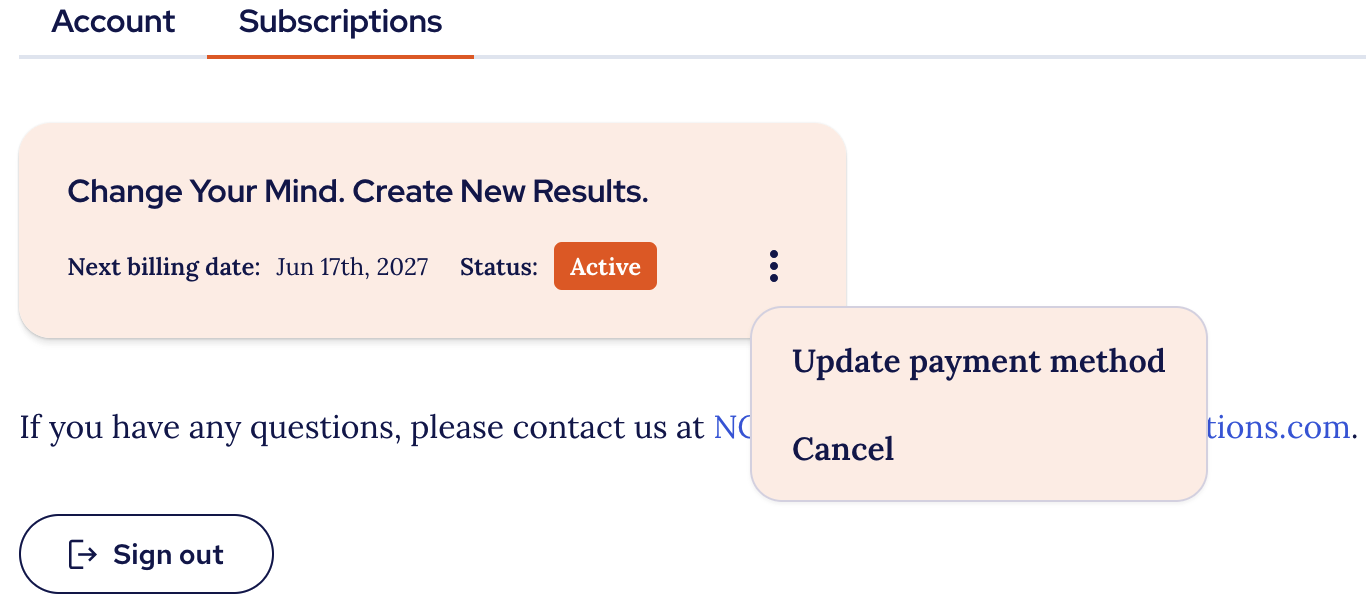
Here you can purchase licenses, update payment details, cancel your subscription or manage users if you have a multi-seat subscription.
There are specific articles on all these functions here:
- Purchasing an individual subscription.
- Purchasing multiple subscriptions.
- Adding users to your multi-seat subscription.
- Updating payment method.
- Viewing subscriptions and seat usage.
- Reassigning multi-seat invitations.
Thank you.
The NCSU Team.
Was this article helpful?
That’s Great!
Thank you for your feedback
Sorry! We couldn't be helpful
Thank you for your feedback
Feedback sent
We appreciate your effort and will try to fix the article