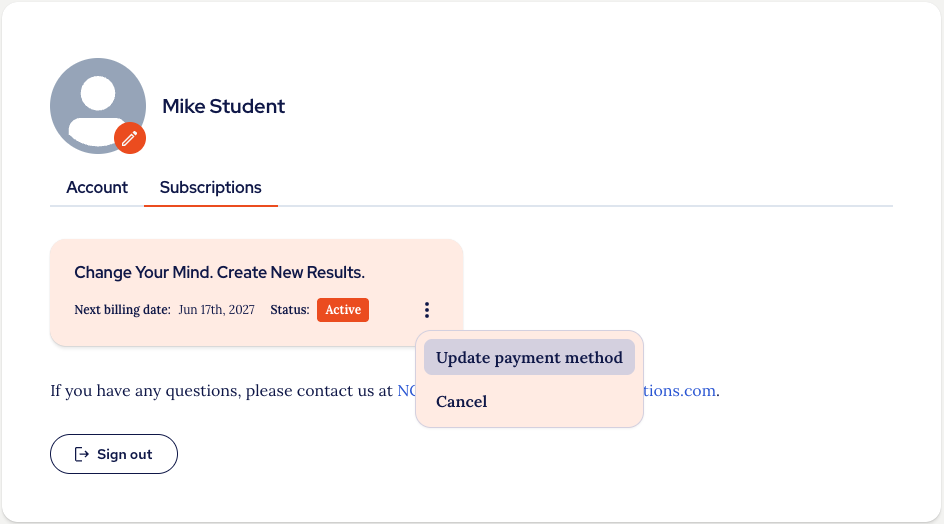
If you need to update your payment method, go to your Subscription Management area and click the three dots menu on the Subscription details tile, then click 'Update payment method':
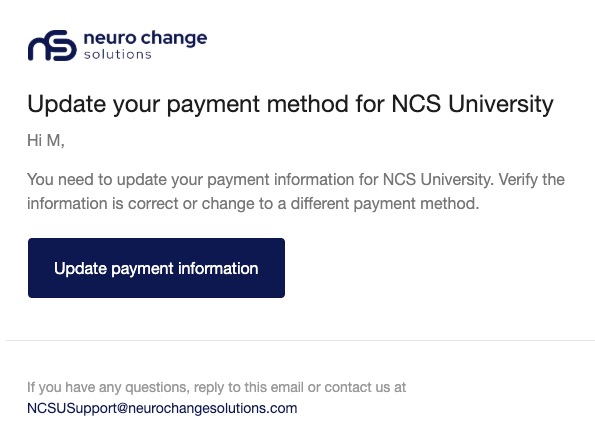
You will be sent an email with a link to update your payment method:
When you click on that link you will be taken to the screen where you can change the payment method used:
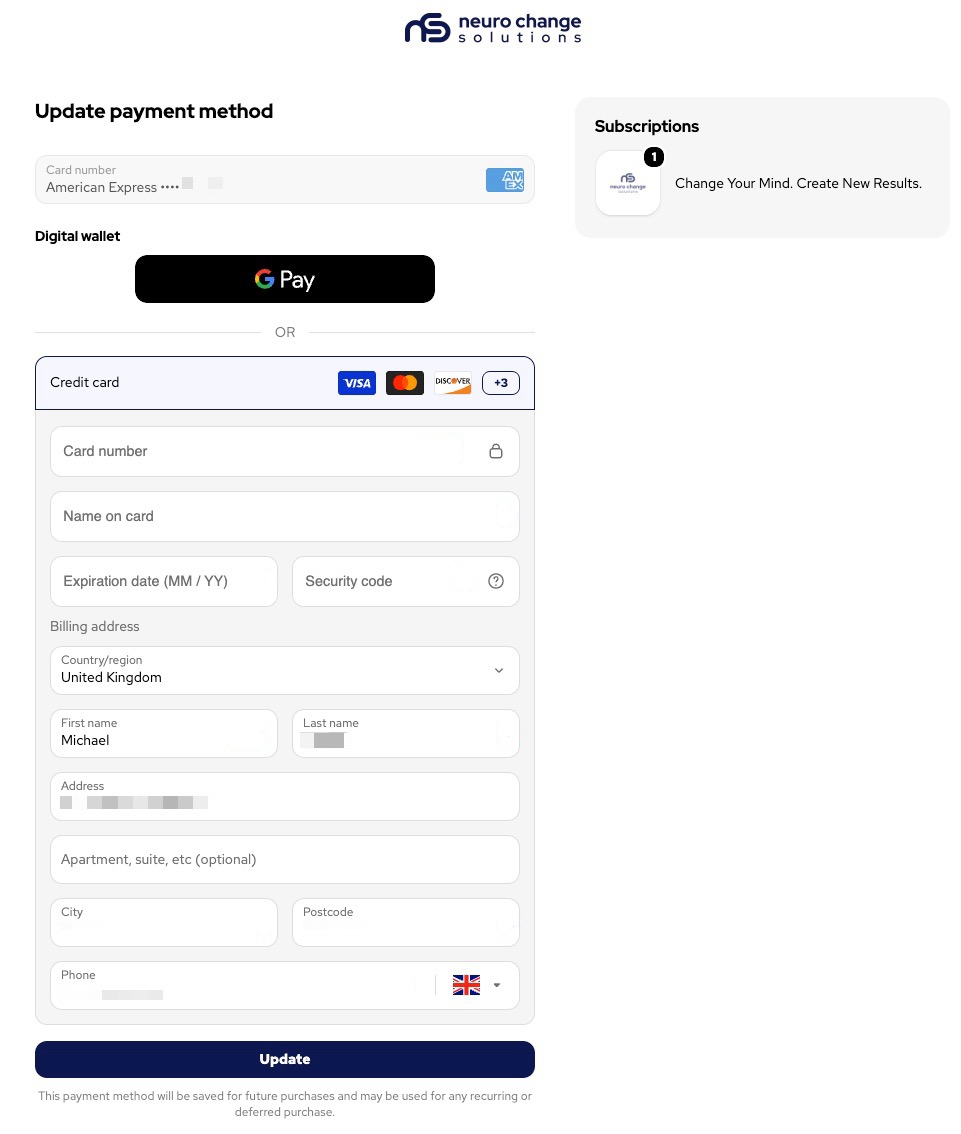
Enter your new payment method and click 'Update' and you will be shown a confirmation message:
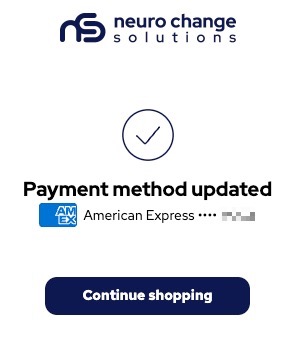 You can close this window and go back to the NCSU platform and your payment details will be changed as you specified.
Thank you.
The NCSU Team.
Was this article helpful?
That’s Great!
Thank you for your feedback
Sorry! We couldn't be helpful
Thank you for your feedback
Feedback sent
We appreciate your effort and will try to fix the article