In order to access the learning platform you first need to create an account, to do this, follow the steps below.
Please note that existing Unlimited Dr Joe Dispenza account holders will still need to create a separate NCSU account. Your login for Unlimited Dr Joe Dispenza will not work for NCSU, although you can use the same email address. We recommend that you choose a different password for security reasons.
Step 1.
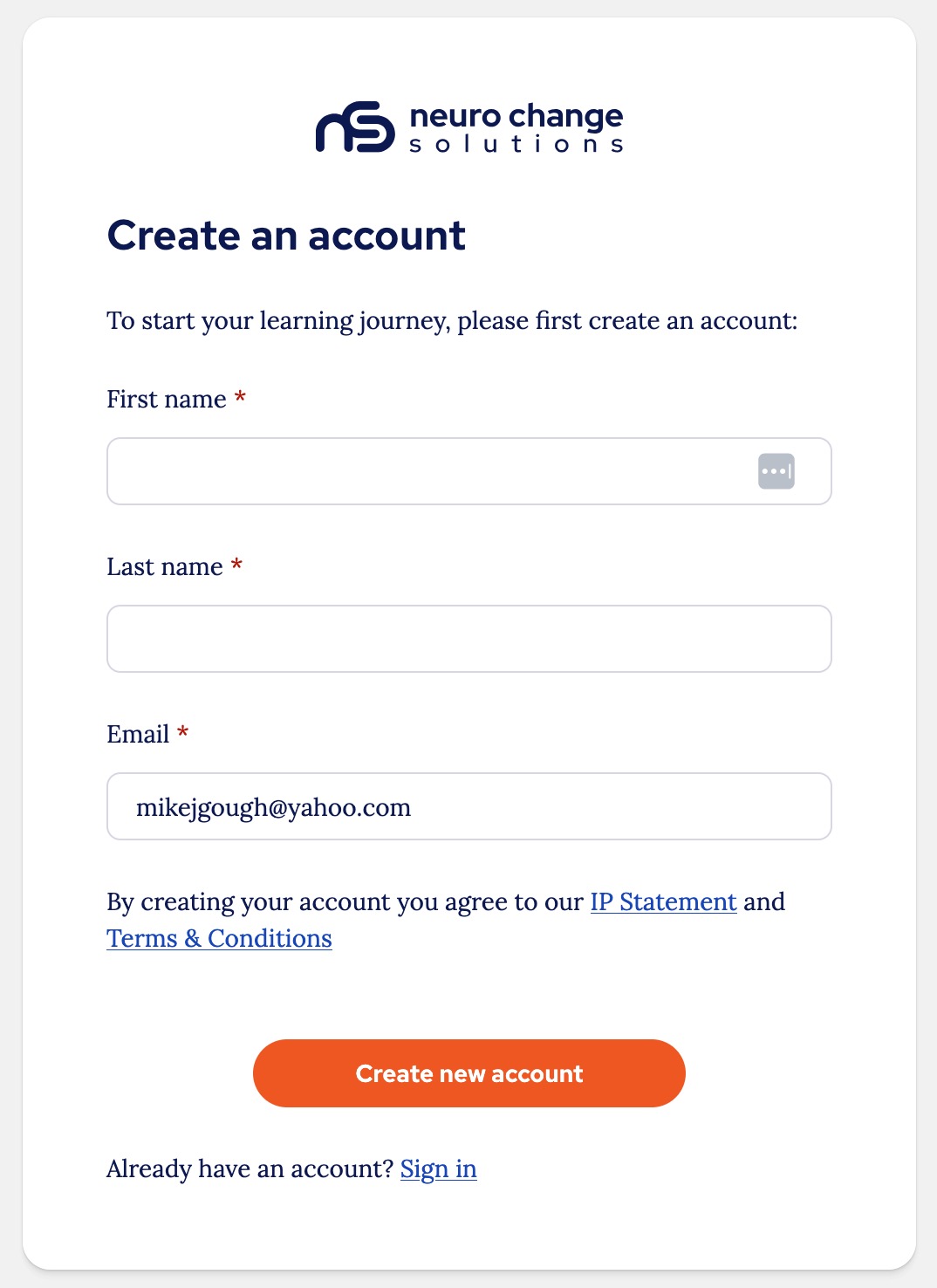
Go to the account registration page.
Enter your details and click 'Create new account':
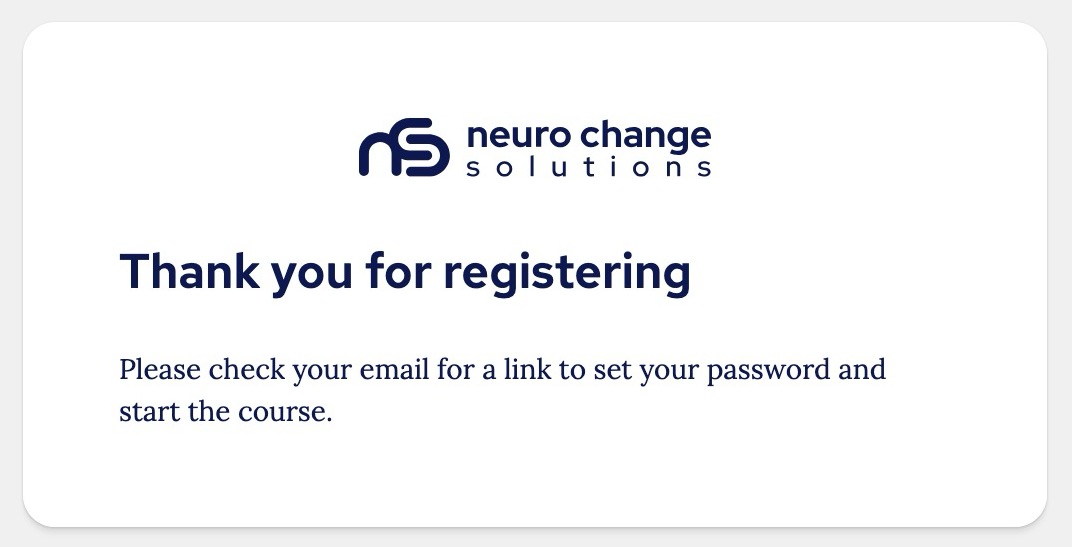
You will see a confirmation that the submission has been received and you now need to check your email for instructions on setting your password:
Step 2.
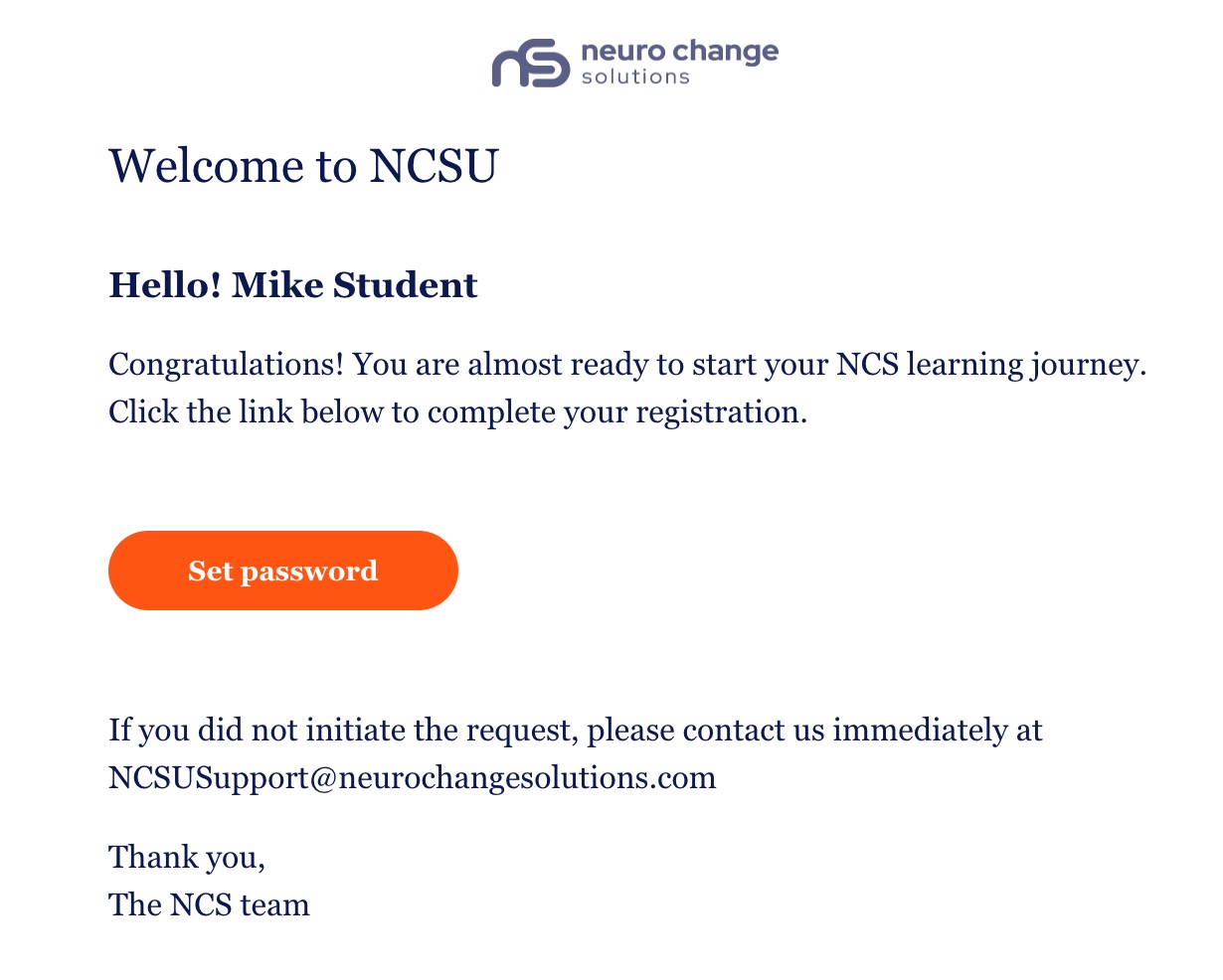
Now please go to the email account that you used to sign-up and you will have an email with a link to set a password:
Step 3.
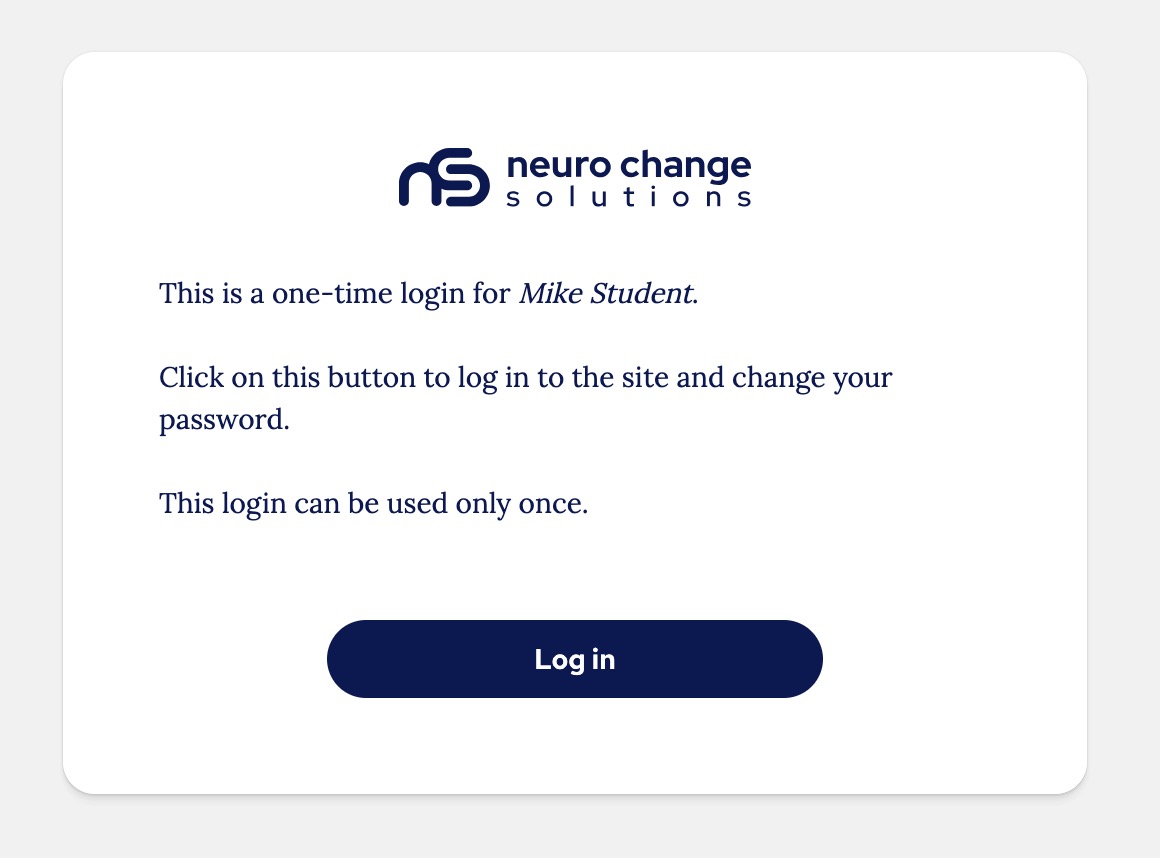
When you click ‘Set password’ in your email you will be directed to a one-time password link, click the 'Log in' button:
Step 4.
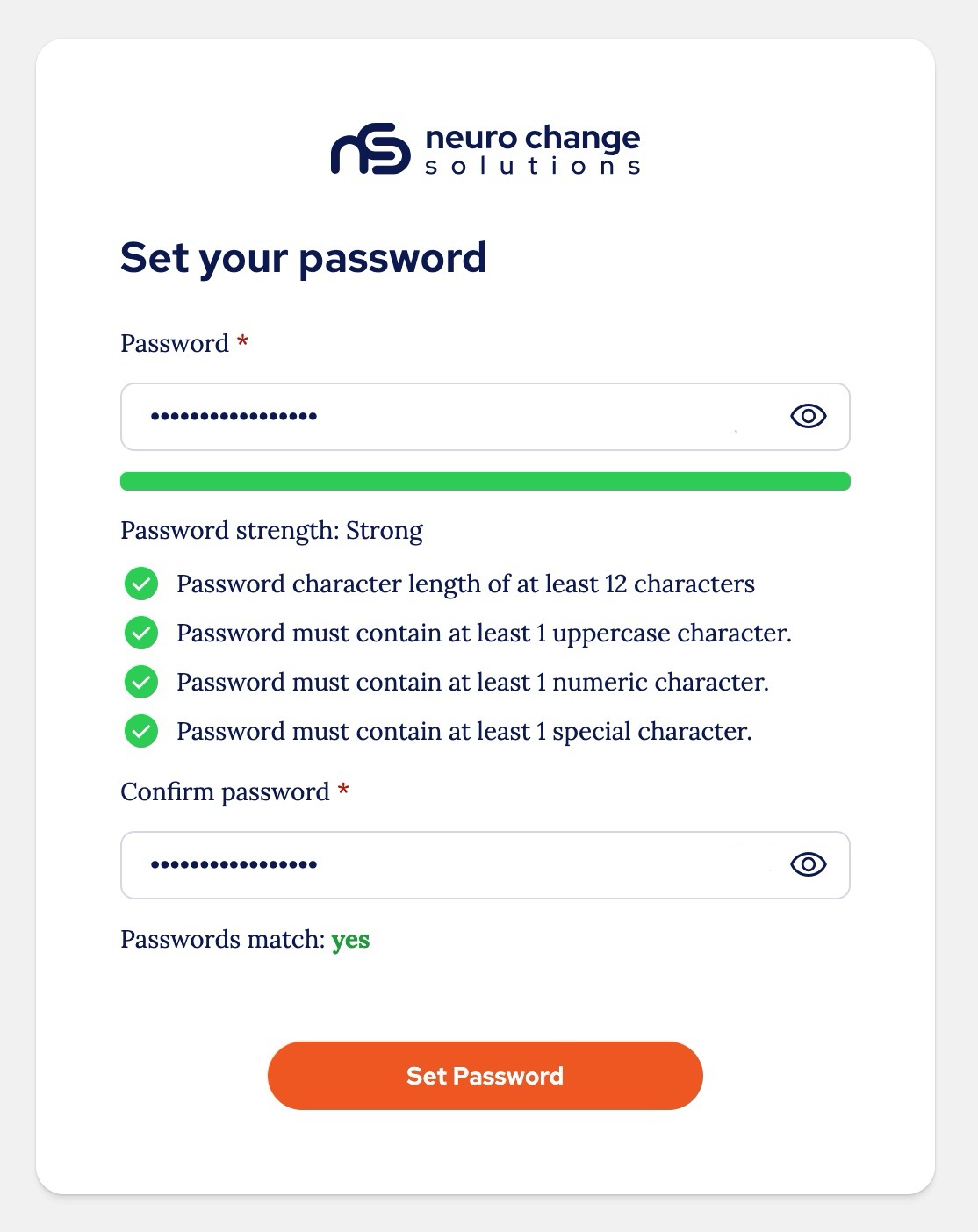
Set your password:
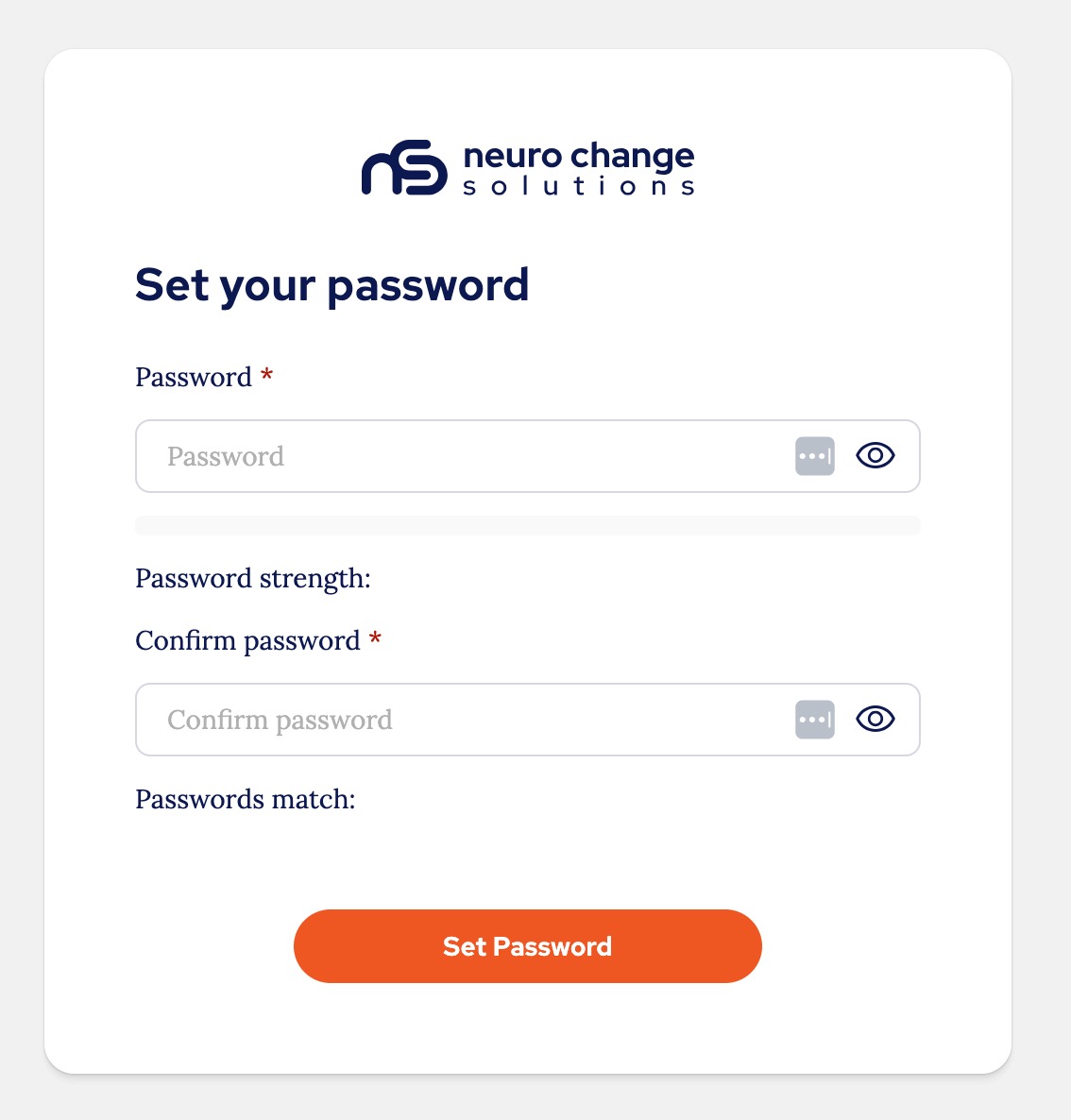
When setting your password, you will be shown if you have met the requirements and if the passwords match:
Next steps:
Once you have registered, there are three ways you can obtain a license to begin the course:
- If someone has purchased a license for you and you have been invited, after you have created your account you will see the course on the homepage and be able to begin.
- If you are an individual and you need to purchase a license, you can follow the 'Purchasing an individual subscription' guide.
- If you need to purchase multiple licenses, please follow the 'Purchasing multiple subscriptions' guide.
Thank you.
The NCSU Team.
Was this article helpful?
That’s Great!
Thank you for your feedback
Sorry! We couldn't be helpful
Thank you for your feedback
Feedback sent
We appreciate your effort and will try to fix the article