You can view and update all your details in the 'Profile' menu:
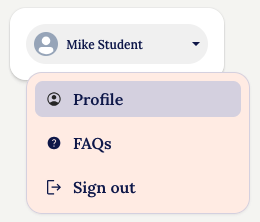
You will be taken to the Account details page:
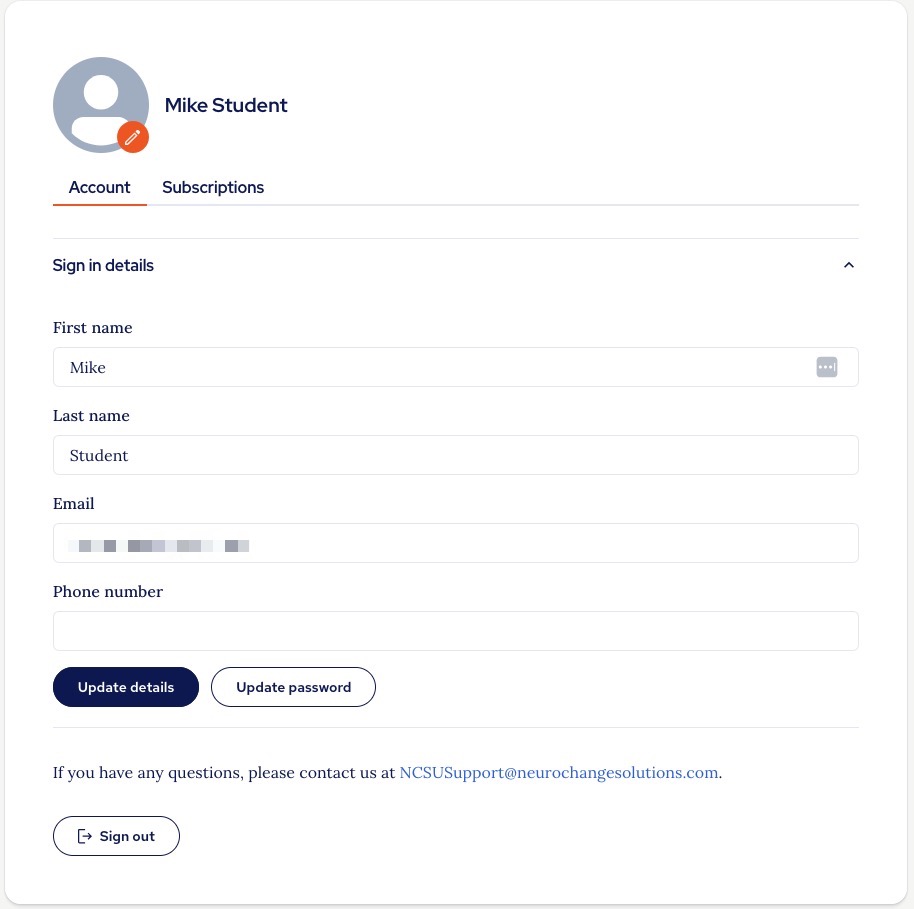
Here you can upload a profile picture if you wish.
If you want to change any of your details, click 'Update details' and you will see the screen below where you can edit all your account details:
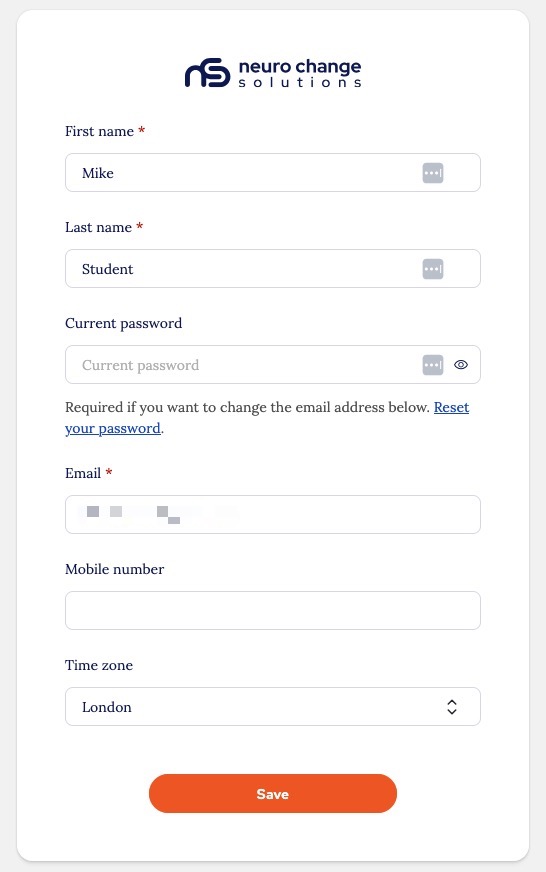
You can also update your password from here.
Thank you.
The NCSU Team.
Was this article helpful?
That’s Great!
Thank you for your feedback
Sorry! We couldn't be helpful
Thank you for your feedback
Feedback sent
We appreciate your effort and will try to fix the article