If you have sent an invitation from a multi-seat subscription but that person has not started the course and you want to reassign their invitation, first go to the Subscriptions administration screen and select 'Manage users' from the three dot menu:
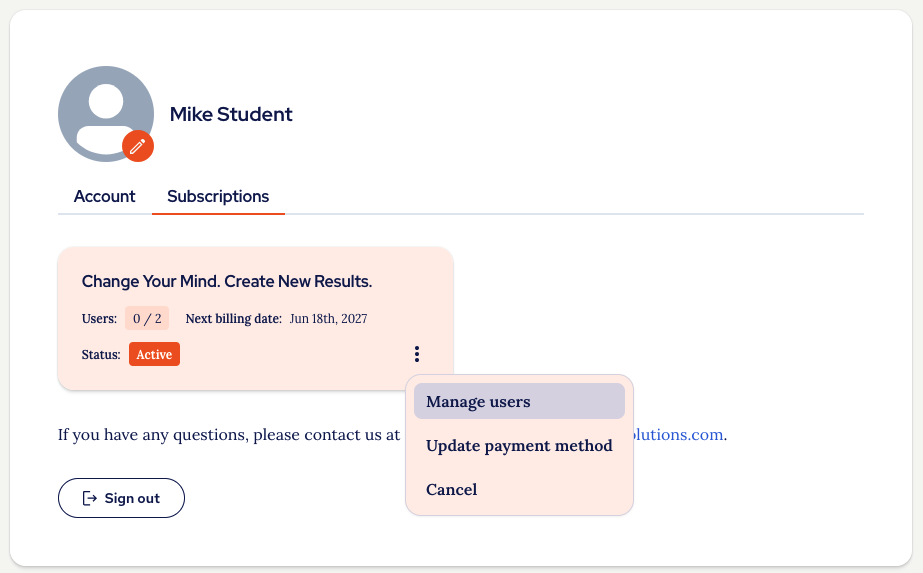
To resend the invitation, simply click 'Resend invitation', to change who a subscription is assigned to, you first need to revoke the existing subscription:
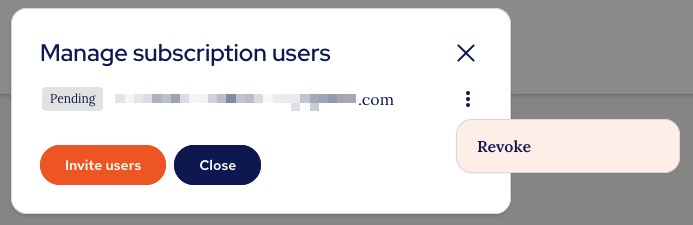
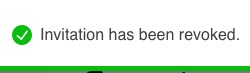
When you click revoke the license that was assigned to that email address will be removed and you will see a confirmation message at the top of the screen:
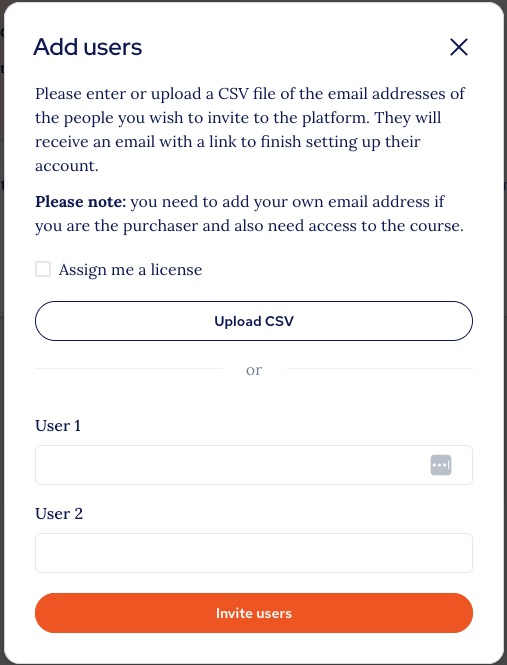
You can now add as many users as you have purchased licenses for in the usual way:
Please note
As soon as a user has started the course you will no longer be able to reassign that account.
Was this article helpful?
That’s Great!
Thank you for your feedback
Sorry! We couldn't be helpful
Thank you for your feedback
Feedback sent
We appreciate your effort and will try to fix the article